Sprites
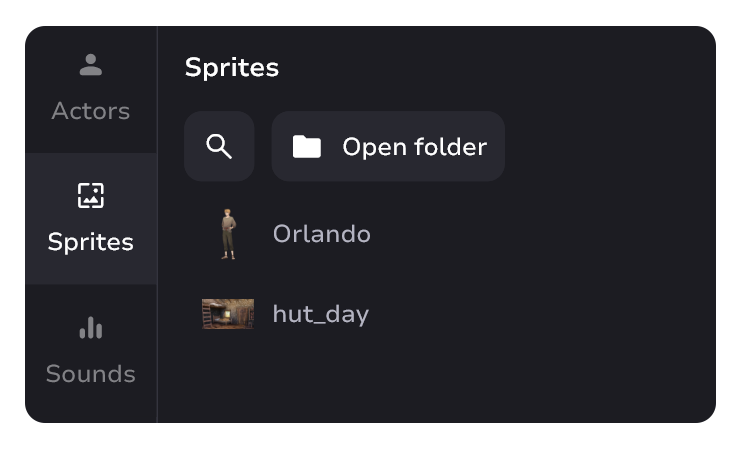
Sprite is needed to work with sprite blocks. All the images in your tale are sprites.
Format restrictions
Sprites can only be in the following formats: png, jpeg, jpg, webp, tiff
Other formats are not supported
danger
Don't change file names through File Explorer and don't move files if they are already set in blocks! Do it only through the Intale Studio interface. Otherwise, the file will disappear from all blocks it is installed in.
Navigation in brief
- Type any part of sprite's or folder's name in "🔍" to search
- Click "Open folder" to open sprites' folder in Explorer
- Double-click on a sprite's name renames it
- To quickly create a sprite block with the desired sprite - drag and drop the desired sprite onto the canvas
- For an existing sprite block - drag and drop the sprite into the desired sprite block
- To delete a sprite, click to select it and press Delete or Backspace.
- Left-click to open the context menu
Context menu

Allows you to rename or delete sprite.