Clear
You gradually add sprites, sounds. And then your debug elements fall into chaos because you don't clear them. That's what the clear block is for.
Example of chaos
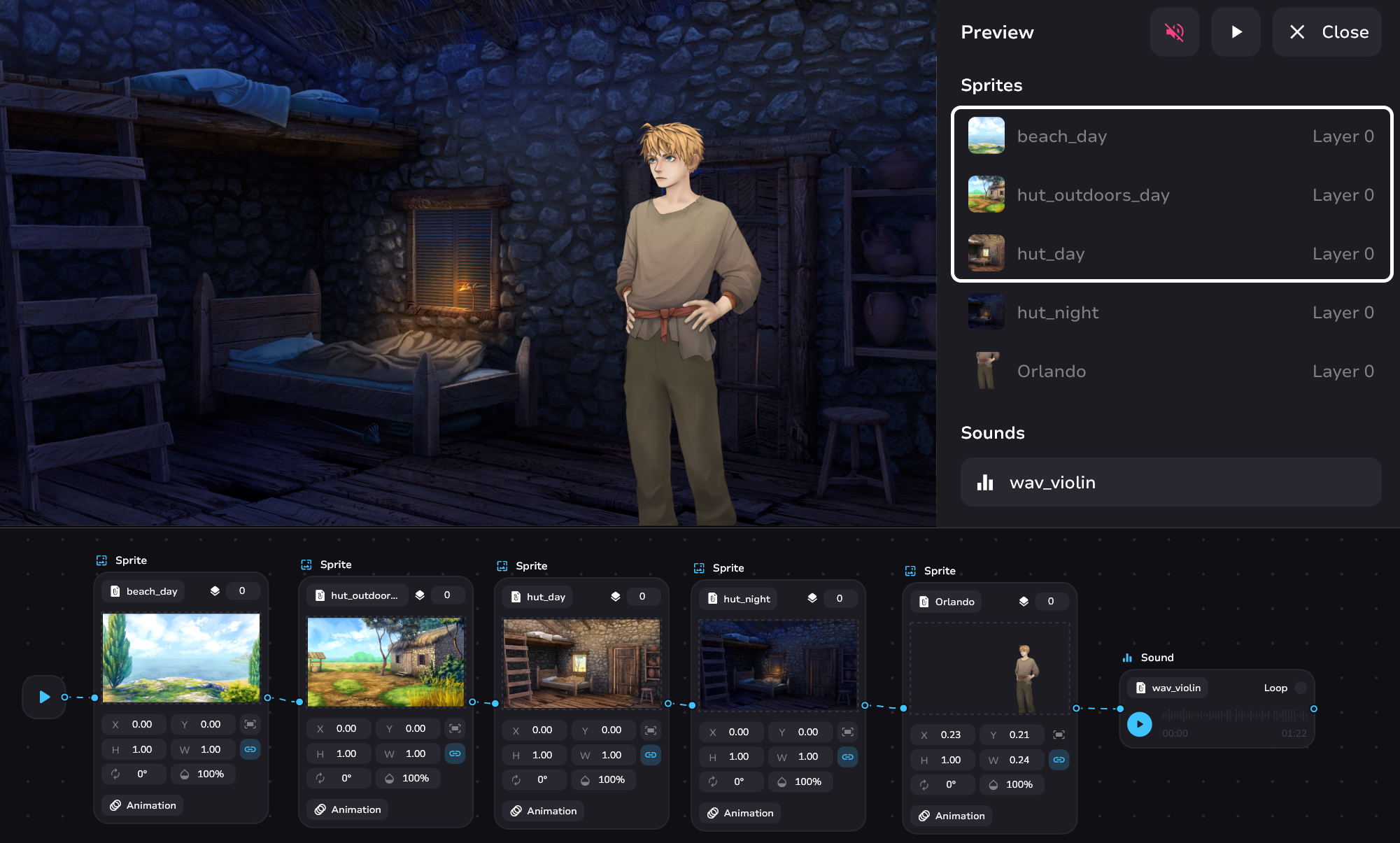
The debug elements highlighted in white are an example of garbage that you don't need as the tale goes on.
Elements you don't clear not only clog up your debug window. These items still reside on the viewer and negatively affect the performance of your readers' devices. To prevent this - make sure that only the media you really need at the moment is on the screen. By the way, we also recommend not to use too large files. For optimization purposes, each sprite should preferably not weigh more than 5 MB.
Cleanup Controls
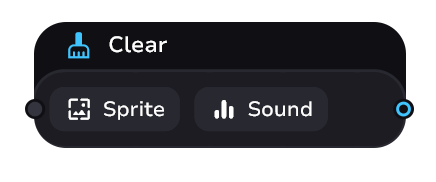
You can only clear sprites or sounds. Hereafter we will refer to them as assets.
- Clicking on the Sprite or Sound button opens a modal window where you can select the desired asset to be cleared
- To delete an asset from a clear block - click on the desired one and while the modal window is open press Delete or Backspace key
- + allows you to add one more asset for cleaning. This way you can delete several assets simultaneously
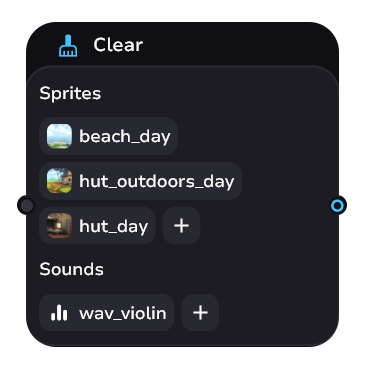
Example of usage
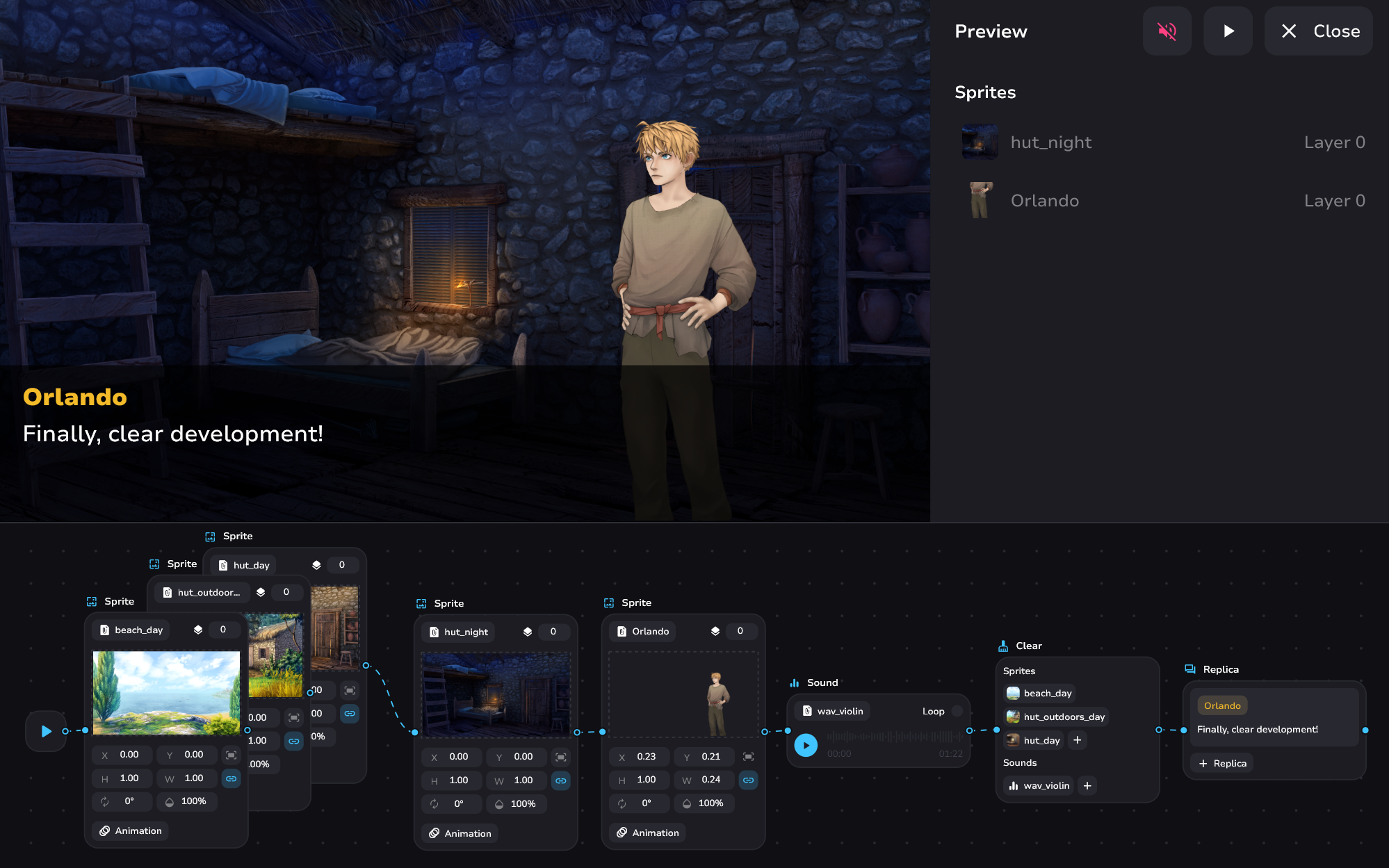
Don't forget that sprites can perform animations during cleanup. Add a touch of style to your cleanup!