Wait
Oh, wait... I think we forgot something. Wait block!
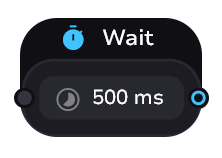
The best way to explain why we need this block is with an example.
Example
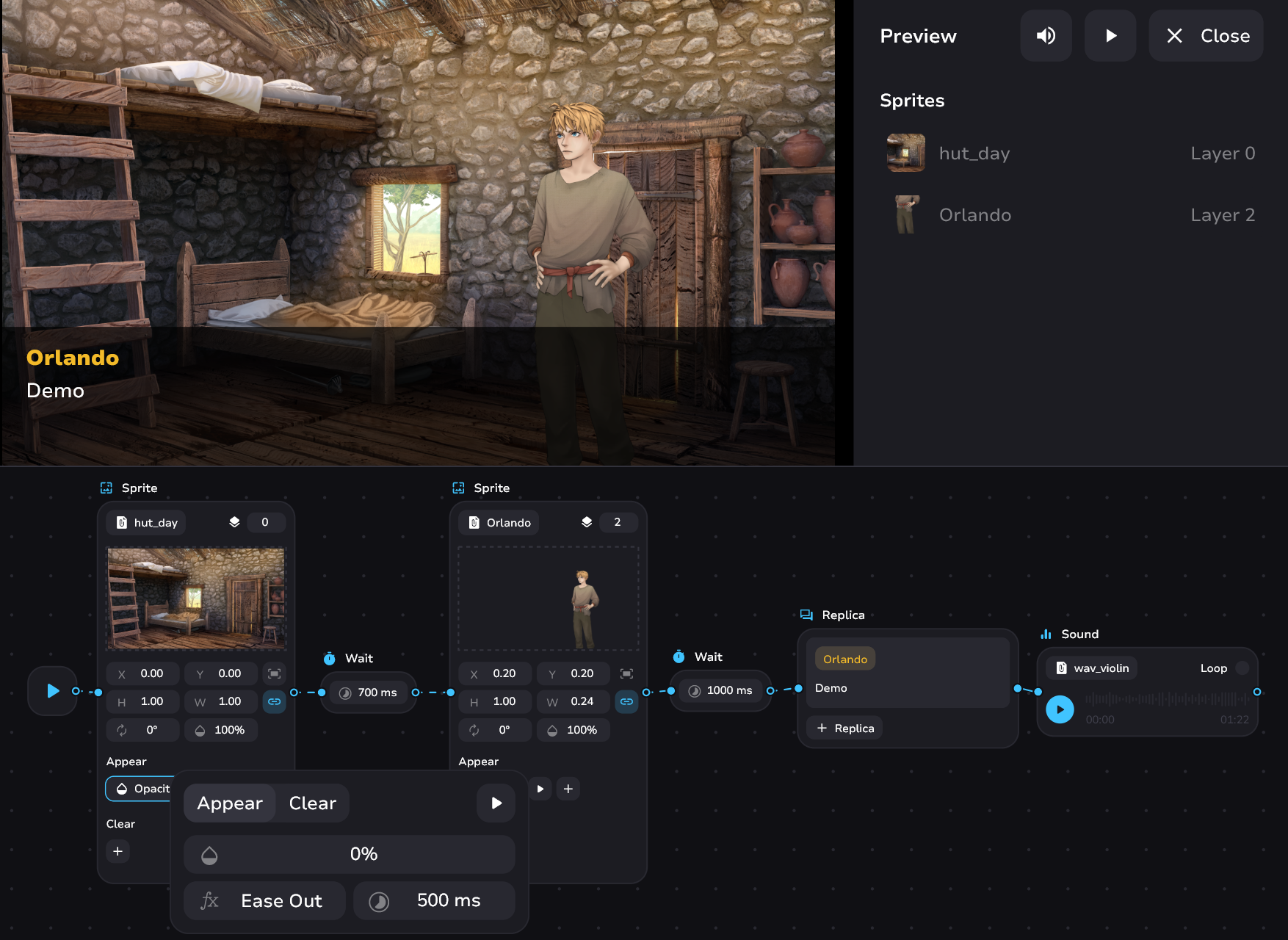
Your background appears out of the darkness with an opacity change from 0 to 100 in half a second. However, your character appears on the screen without waiting for the animation to execute. To fix this - add wait block with a delay of 700 milliseconds. 500 milliseconds the background will appear, 200 milliseconds the reader will adapt to the background, and only then the character will appear with its animation.
How it looks like
Wait Controls
- Type the wait time. Valid from 1 to 100000 milliseconds
- Hold and swipe left or right from the timer icons to change the time