Scenes
Scenes are used to break down your tale into its constituent parts.
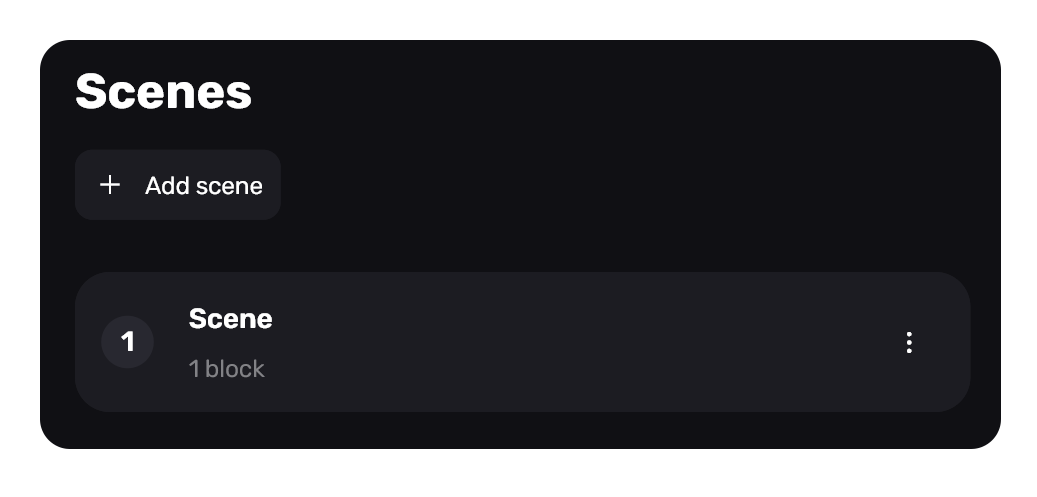
By default, one scene is created in a project. It is through them that development takes place. A project without scenes doesn't make sense, so there is always at least one.
Navigation in brief
- Clicking on a scene takes you to canvas
- Open scenes are shown at the top as tabs
- Clicking “+” at the top left of the tabs returns to the list of scenes
- Switch between tabs at any time, use it like tabs in browser: close and rearrange
Creating a new scene
To create new scene click to the "+ Add scene" button.
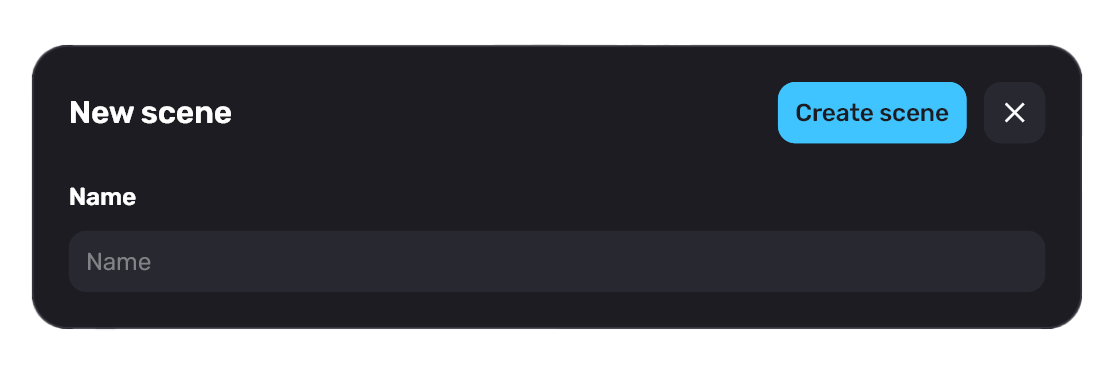
Type the name of the scene, and then click "Create scene" or press Enter.
Renaming scenes
If you want to rename a scene, double click on the scene name. The second option - click on the three dots on the scene panel and click "Rename".
Scenes are indexed by number for your convenience. Even if you rename it - you can use the number so you don't lose it in a large amount of other scenes. The number is unique for each scene.
Deleting scenes
To delete any scene - click the three dots on the scene panel and click "Delete".
You cannot undo the delete scene operation. If you delete a scene, you will lose all its blocks. Also, the deleted scene will be cleared from all mentions in scene blocks in other scenes.